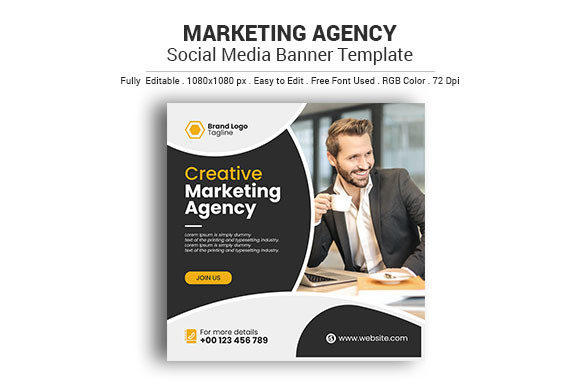
Streamline Your Brand with the Marketing Agency Social Media Poster
Every agency owner knows the drill: a client wants a campaign launch by Friday, but the design team is already swamped with revisions. You need visuals that look like they came from a high-end studio but don’t require a week of billable hours to produce. This is where having the right design assets changes the game. Instead of staring at a blank artboard, you can start with a foundation that is already optimized for the digital space. We are talking about a tool that bridges the gap between professional graphic design and the fast-paced demands of modern content creation.
Why 1080x1080 Matters More Than You Think
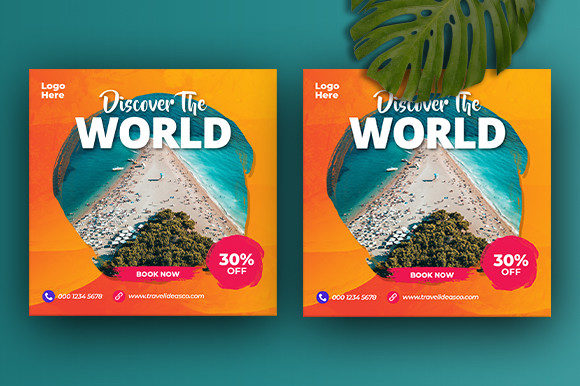
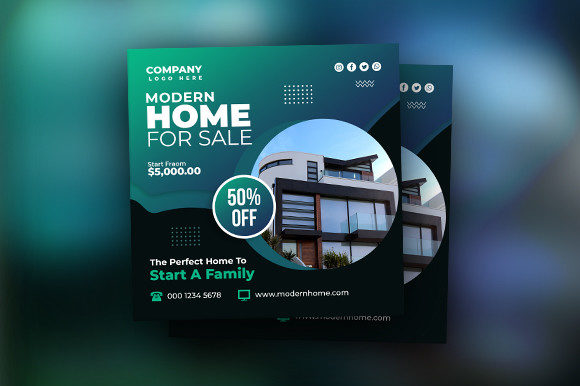
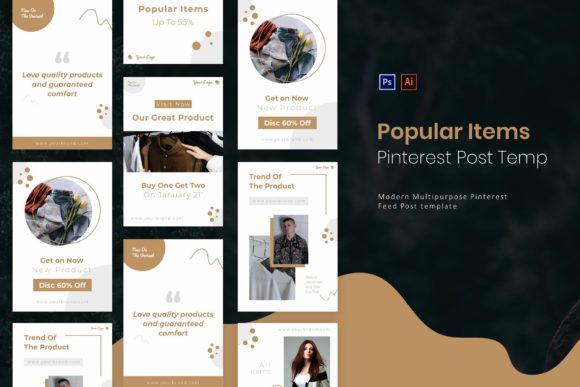
When you are managing social media accounts, consistency is king. The Marketing Agency Social Media Poster template is specifically built with the standard 1080x1080 pixel dimension. If you have ever tried to crop a landscape photo for Instagram or stretch a web banner for Facebook, you know the pain of distortion. This template removes that headache entirely. It is sized perfectly for Instagram grid posts, Facebook updates, and even Pinterest pins, ensuring your layout looks crisp regardless of where it is viewed.
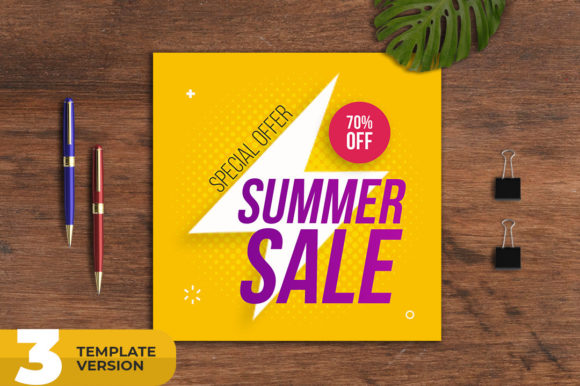
But it isn't just about the size; it is about the technical setup. The file is set to 72 DPI and RGB color mode. For the uninitiated, this might sound like technical jargon, but it is the difference between a muddy image and a vibrant one. If you design for print (300 DPI CMYK) and post it online, the colors often shift. By starting with a file optimized for screens, you guarantee that the electric blue you chose for a "Summer Sale" graphic actually looks electric on your followers' phones.
The Power of Editable Design Assets
One of the biggest hurdles in design is flexibility. A rigid template is useless if you need to change the font or resize a shape. This asset shines because it is easy to edit. Whether you are a seasoned pro using the latest software or a small business owner working with an older version, the file structure is accommodating.
The package includes an Ai CC File for those with the newest Adobe Illustrator subscription, as well as an Ai CS6 File for users holding onto older licenses. It even includes Eps CS6 and Eps10 files. Why does this matter? EPS files are the universal language of vector graphics. They allow you to open these designs in CorelDRAW or other vector software without losing quality. You can scale these graphics up for a billboard or down for a business card, and the lines will remain perfectly sharp.
Practical Applications Beyond Social Media
While the name suggests a focus on social media, the utility of a high-quality vector template extends far beyond a single Instagram post. Think about your broader brand identity. If you run a marketing agency, you need assets that work across multiple touchpoints.
Consider these real-world scenarios where this template becomes invaluable:
- Client Pitches: Use the layout to mock up campaign ideas quickly. Showing a client a "finished" look is more persuasive than describing it.
- Internal Communication: Create uniform announcements for team meetings or HR updates that look professional rather than thrown together in Word.
- Event Marketing: If you are hosting a webinar or a workshop, adapt the poster design into a digital flyer or a website header.
- Presentation Decks: Export sections of the design as PNGs to drop into PowerPoint or Keynote, instantly upgrading your slide deck from boring to branded.
Mastering Typography and Brand Recognition
Visual consistency is what separates amateur content from professional branding. When your audience scrolls through their feed, they should recognize your brand instantly—before they even read the text. The Marketing Agency Social Media Poster helps establish this through structured layout and clear hierarchy.
Typography plays a massive role here. The included Help Guide is a critical component of this download. It doesn't just tell you how to move layers; it provides the font name and download link. This ensures you can replicate the exact look of the preview image. However, the real power lies in customization. Because the text is editable, you can swap out the suggested fonts for your own brand typeface.
If you are working on logo design or packaging, you need to test how your fonts behave in different environments. Does your script font look elegant but become illegible when small? Does your sans-serif font feel too cold for a holiday promotion? Use this template to test font pairings. Place your heading font in the main title area and your body font in the description box. This is a low-stakes way to visualize your typography choices before applying them to expensive print materials.
Optimizing Your Workflow for Speed
In the world of digital marketing, speed is a currency. If you can produce high-quality visuals faster than your competitors, you win. This asset is designed to streamline your workflow.
Because the file is organized for Adobe Illustrator, you have total control over every anchor point. Need to change the color palette to match a client's hex codes? You can do that in seconds. Want to swap out a background shape? Easy. This level of control is something you don't get with rigid online design tools like Canva, where you are often limited by the platform's constraints.
Furthermore, the "Images are not included" note is actually a feature, not a bug. Stock images can make a design look generic. By leaving the image area open, the template invites you to insert your own high-quality photography. This ensures your content feels authentic. Whether you are a content creator showing off a new product or a small business owner highlighting a service, your specific imagery combined with a professional layout creates a unique result every time.
Commercial Licensing and Professional Presentation
For designers and agencies, understanding the commercial viability of an asset is non-negotiable. When you download a premium font or a template, you need to know if you can use it for client work. While you should always check the specific license of the downloaded file, assets structured like this are typically built for commercial use.
This allows you to create marketing assets, editorial layouts, and digital products without worrying about copyright infringement. It elevates your professional presentation. Instead of using the same free templates everyone else has access to, you are working with a dedicated structure that supports agency-level output.
Whether you are designing for web design projects, creating merchandise, or drafting invitations, the goal is the same: to communicate a message clearly and attractively. The Marketing Agency Social Media Poster provides the skeleton; you provide the muscle. It is a practical, versatile, and technical asset that respects your time and enhances your creative output.